
Looking for the best password manager for iPhone in 2025? We compare top-rated options with pros, cons, and features to help you pick the most secure and user-friendly choice.
Table of Contents
Introduction
In today’s digital world, protecting your online accounts is more critical than ever. If you’re searching for the best password manager for iPhone, you’ve come to the right place. With cyber threats on the rise, a reliable password manager helps you store, generate, and autofill strong passwords seamlessly across your Apple devices.
In this guide, we’ll explore the top password managers for iPhone in 2025, highlighting their security features, ease of use, pricing, and unique perks. Whether you need military-grade encryption, cross-platform compatibility, or family-sharing options, we’ve got you covered.
Why You Need a Password Manager for iPhone
Using weak or repeated passwords puts your online security at risk. Here’s why a password manager is essential:
✅ Strong, Unique Passwords – Generates and stores complex passwords.
✅ Secure Encryption – Protects your data with AES-256 bit encryption.
✅ Convenient Autofill – Logs you into apps and websites instantly.
✅ Cross-Device Sync – Access passwords on iPhone, iPad, Mac, and other devices.
✅ Phishing Protection – Prevents fake login pages from stealing your credentials.
Top 5 Best Password Managers for iPhone in 2025
1. 1Password – Best Overall for Security & Usability
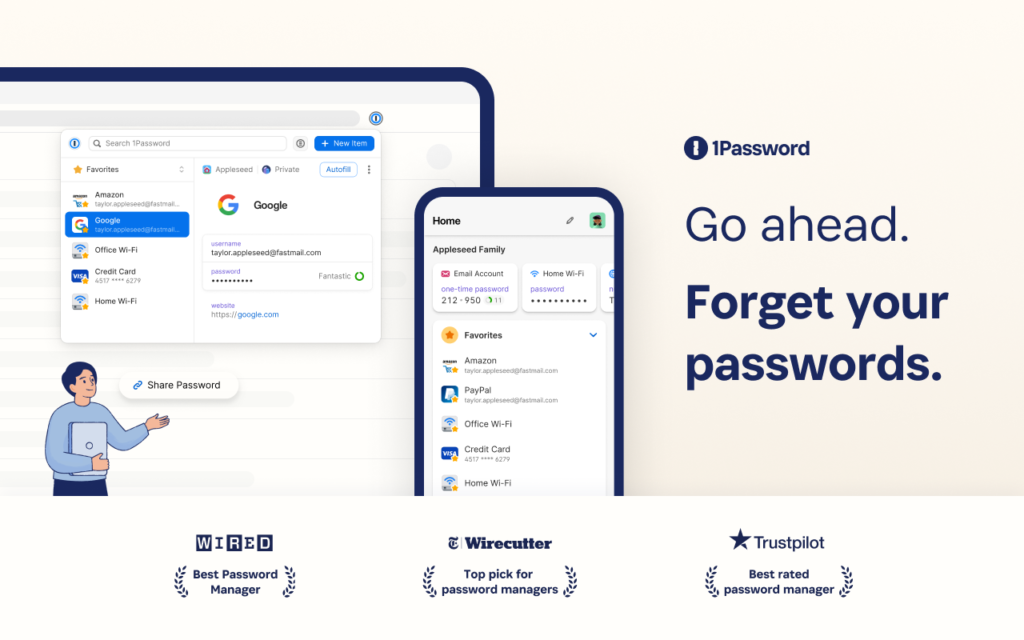
Why We Recommend It:
1Password remains a top contender for iPhone users, offering an intuitive interface, airtight security, and seamless integration with iOS.
Key Features:
✔ Travel Mode – Removes sensitive data when crossing borders.
✔ Watchtower – Alerts you about breached passwords.
✔ Biometric Login – Face ID & Touch ID support.
✔ Family & Business Plans – Share passwords securely.
Pricing: Starts at $2.99/month (billed annually).
2. Dashlane – Best for Simplicity & Extra Security Tools
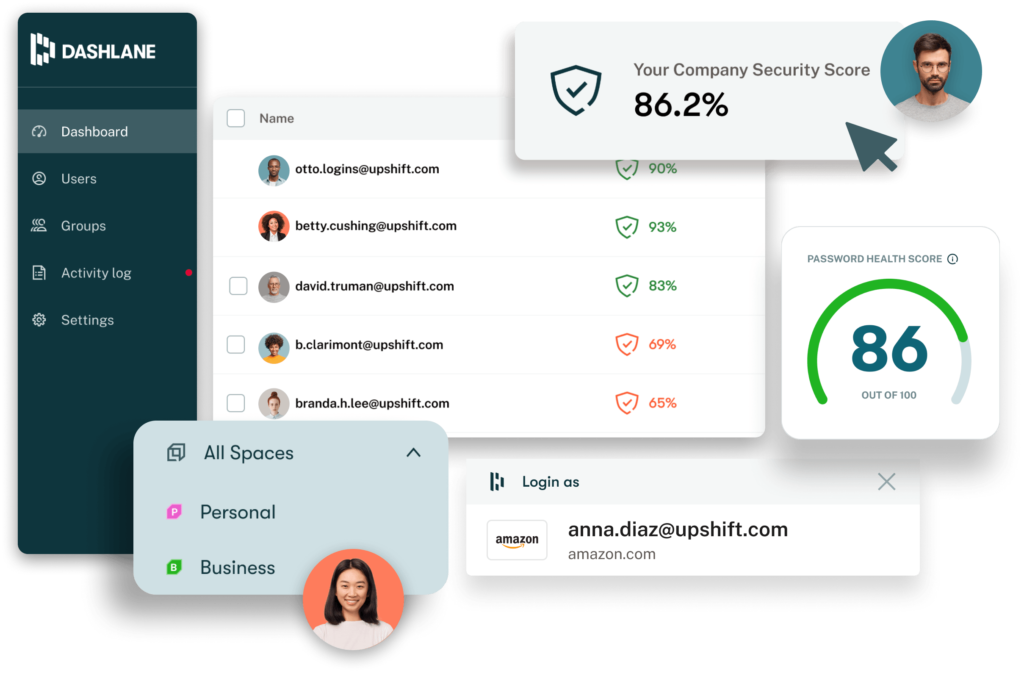
Why We Recommend It:
Dashlane excels with its VPN inclusion and dark web monitoring, making it ideal for users who want all-in-one protection.
Key Features:
✔ Built-in VPN – Encrypts your internet connection.
✔ Dark Web Scanner – Monitors leaked credentials.
✔ Password Changer – Updates weak passwords automatically.
✔ User-Friendly Design – Great for beginners.
Pricing: Starts at $4.99/month (Premium Plan).
3. Bitwarden – Best Free & Open-Source Option
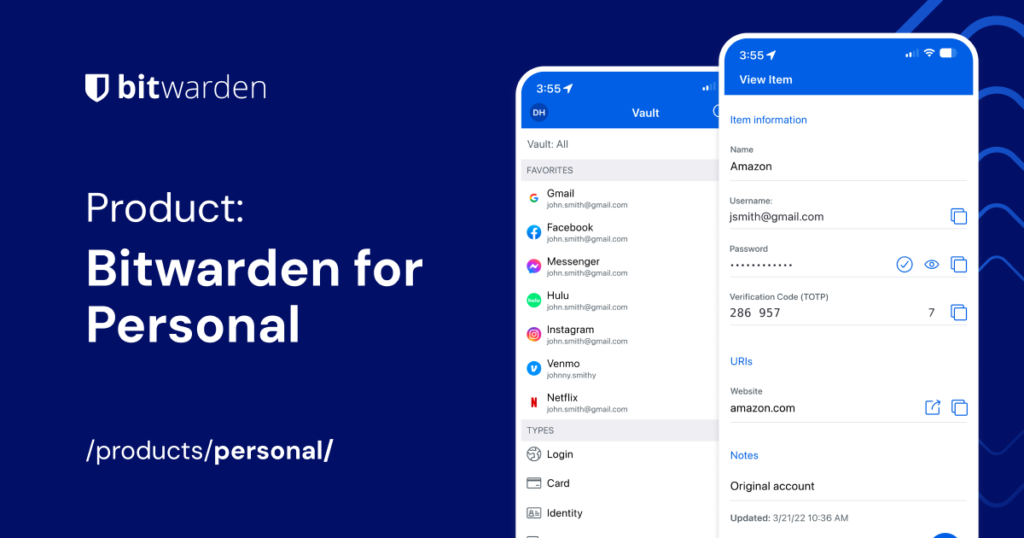
Why We Recommend It:
Bitwarden is the best free password manager for iPhone without compromising security.
Key Features:
✔ Open-Source & Audited – Transparent security.
✔ Self-Hosting Option – For advanced users.
✔ Unlimited Devices – Even on the free plan.
✔ Affordable Premium – Just $10/year for extra features.
Pricing: Free plan available; Premium at $0.83/month.
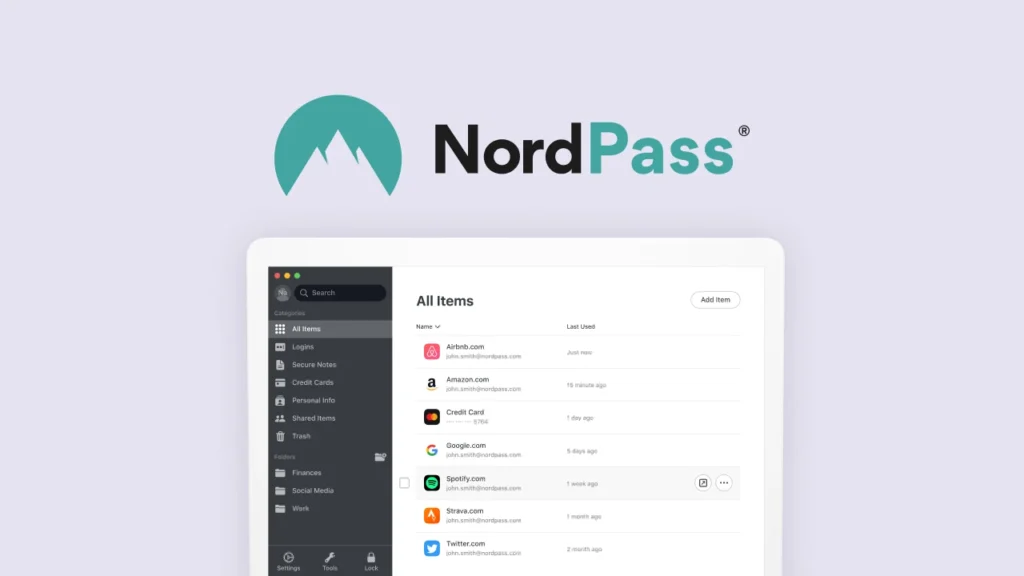
4. NordPass – Best for NordVPN Users
Why We Recommend It:
Developed by NordVPN’s team, NordPass offers a clean interface and strong security.
Key Features:
✔ XChaCha20 Encryption – Next-gen security.
✔ Data Breach Scanner – Checks for compromised accounts.
✔ Password Health Report – Identifies weak passwords.
Pricing: Starts at $1.99/month.
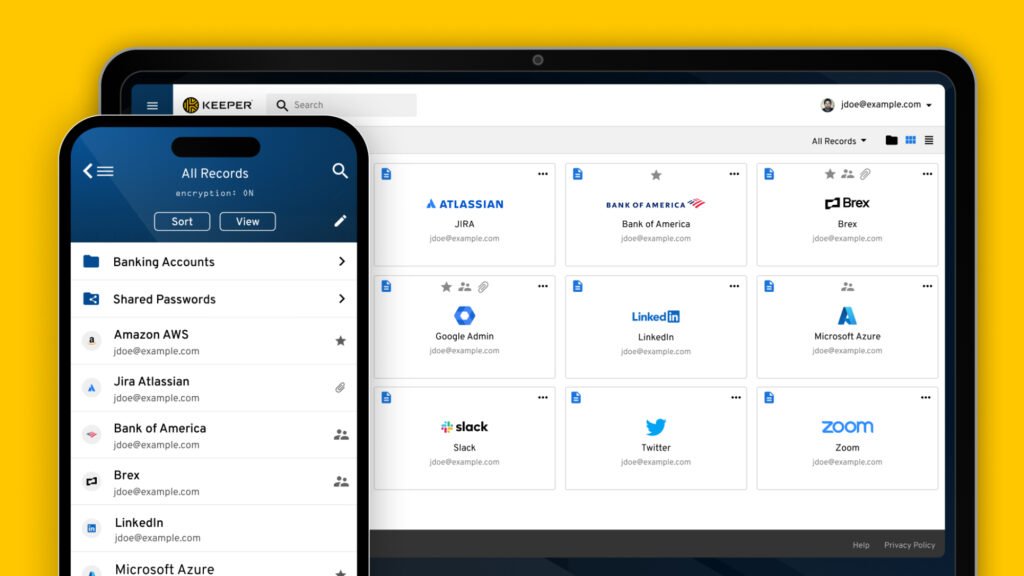
5. Keeper – Best for Advanced Security & File Storage
Why We Recommend It:
Keeper provides top-notch security with optional add-ons like encrypted file storage.
Key Features:
✔ Secure File Storage – Up to 10GB with KeeperChat.
✔ Emergency Access – Grant access to trusted contacts.
✔ Biometric & Auto-Fill – Works flawlessly on iPhone.
Pricing: Starts at $2.91/month.
How to Choose the Best Password Manager for iPhone
Consider these factors before picking one:
🔹 Security – AES-256 encryption, zero-knowledge architecture.
🔹 Ease of Use – Smooth iOS integration, autofill, and biometric login.
🔸 Pricing – Free vs. premium features.
🔸 Cross-Platform Support – Syncs with Mac, Windows, Android.
🔹 Extra Features – VPN, dark web monitoring, file storage.
FAQs About the Best Password Manager for iPhone
1. Are password managers safe for iPhone?
Yes! Reputable password managers use end-to-end encryption, meaning even the company can’t access your data.
2. Does Apple’s built-in password manager work well?
iCloud Keychain is decent but lacks advanced features like password sharing and breach alerts found in dedicated apps.
3. Can I use a free password manager on iPhone?
Yes, Bitwarden and LastPass offer free plans, but premium versions unlock more features.
4. What’s the most secure password manager?
1Password, Keeper, and Bitwarden are among the most secure due to their encryption and independent audits.
5. How do I transfer passwords to a new iPhone?
Most password managers sync via the cloud, so simply log in on your new device.
Final Verdict: Which Is the Best Password Manager for iPhone?
If you want the best overall password manager for iPhone, 1Password is our top pick for its balance of security, usability, and extra features.
- Budget pick? Bitwarden (Free).
- All-in-one security? Dashlane (with VPN).
- Advanced users? Keeper (with file storage).
No matter which you choose, using a password manager is a must in 2025 to stay safe online.
Ready to secure your passwords? Try out the best password manager for iPhone today and browse with peace of mind! 🚀